
UniFi Protect camera systems
Security camera installation with no monthly fees
Most camera companies sell you hardware and then bill you every month to look at your own video. UniFi Protect does not work that way. You buy the cameras and the recorder once, they live in your building, and the ongoing cost is zero.
What the no subscription model really means
A typical subscription camera system runs somewhere between ten and thirty dollars per camera per month. On an eight camera install that is a couple thousand dollars a year, forever, just to keep watching video your own cameras recorded. Stop paying and the footage locks.
With UniFi Protect the software is included with the recorder. There is no license, no per camera fee, and no tier that unlocks the features you assumed came with it. Your total cost is equipment plus our labor, one time. Most businesses pass the break even point against a subscription system somewhere in the second year and keep saving after that.
The one thing worth budgeting for is drive replacement. Hard drives that record twenty four hours a day wear out eventually, usually somewhere past the four year mark. That is a couple hundred dollars, and we will tell you when the system starts reporting it.
Camera options, matched to the spot
Indoor cameras
Compact dome and turret units for registers, stockrooms, hallways, and offices. They handle the mix of window glare and overhead fluorescents that makes cheap cameras useless by mid afternoon.
Outdoor cameras
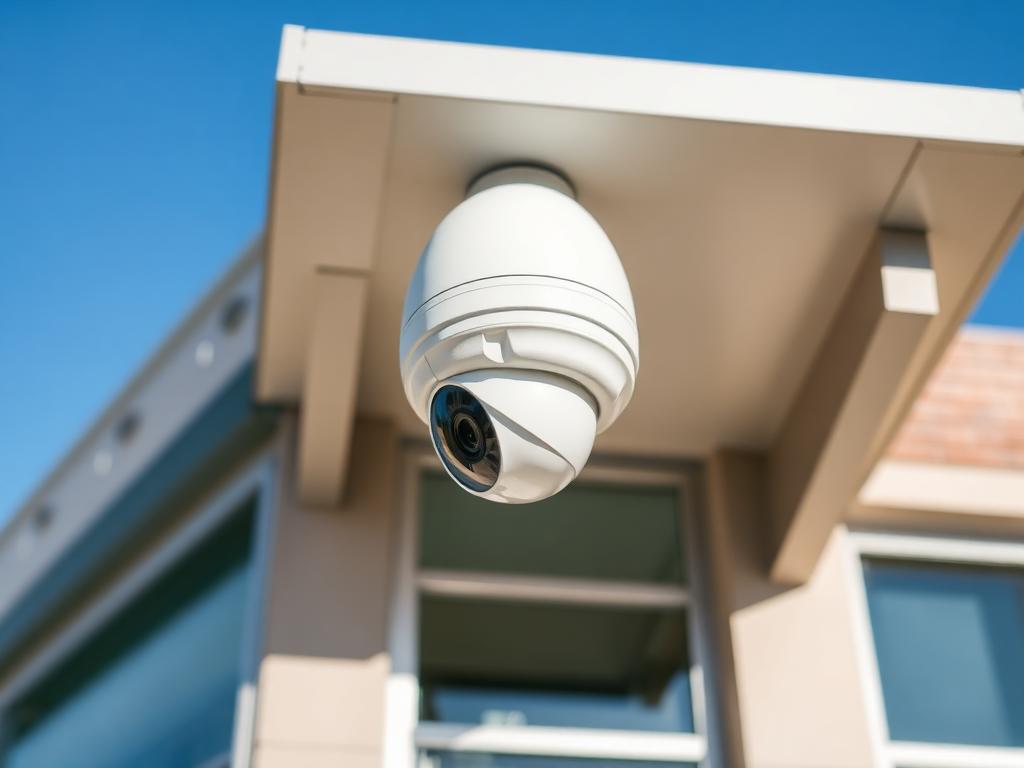
Weather rated bullet and dome cameras for docks, lots, gates, and building corners. Infrared for full dark, and mounting hardware that survives a North Texas summer and the hail that follows it.
License plate cameras
A dedicated AI LPR camera aimed at the entrance, tuned for the speed vehicles actually travel at that spot. It captures readable plates at night, which a general purpose camera pointed at a driveway will not do.
Local NVR storage you own
A UniFi Protect recorder sized for the retention you want, typically thirty to sixty days depending on camera count. The drives are yours. Want more history later, you add a drive, not a plan.
Mobile and desktop access
Live view and playback on iPhone, Android, and any browser. Scrub a timeline, clip a segment, and text it to your insurance adjuster or a police officer in under a minute.
Smart detection
Person, vehicle, and animal detection so you get alerted for the thing that matters instead of every time a shadow moves. Detection zones are drawn per camera so the road out front does not blow up your phone.
Runs without the cloud
Recording is local. The internet is only there so you can watch from somewhere else. That is a meaningful difference when a storm takes out service for a day.
What every camera install includes
- Free walkthrough and a camera by camera coverage plan
- Recorder sized to the retention you asked for
- PoE switching so each camera runs on one Cat6 cable
- Surge protected, labeled, and tested terminations
- Detection zones and alerts tuned per camera
- Handover session so your team can pull clips without calling us
Cameras run on the network, so if yours is shaky it is worth reading the UniFi networking page too. Local pages for Cleburne, Burleson, and Dallas cover what is different about working in each of those markets.
Camera system questions we get every week
- Do I own the footage?
- Yes, completely. The recorder sits in your building on a drive you paid for. There is no cloud company between you and your video, nobody can put your clips behind a paywall, and if you ever fire us the system keeps running exactly the same.
- What happens if my internet goes down?
- The cameras keep recording. They talk to the recorder over your local network, not over the internet, so an outage only affects your ability to watch remotely. Once the connection is back, the mobile app picks up where it left off and everything recorded during the outage is still there.
- Can you add cameras to an existing system?
- If it is already UniFi Protect, yes, and it is usually a quick job. If it is an older analog or off brand NVR, we will look at it and tell you straight whether adding to it makes sense or whether you are better off putting that money toward a system that will still be supported in five years.
Free quote
Book a free camera walkthrough
Tell me roughly how big the property is and what you want covered. I will walk it, map the camera positions, and give you a fixed price before anything gets mounted.